
Información
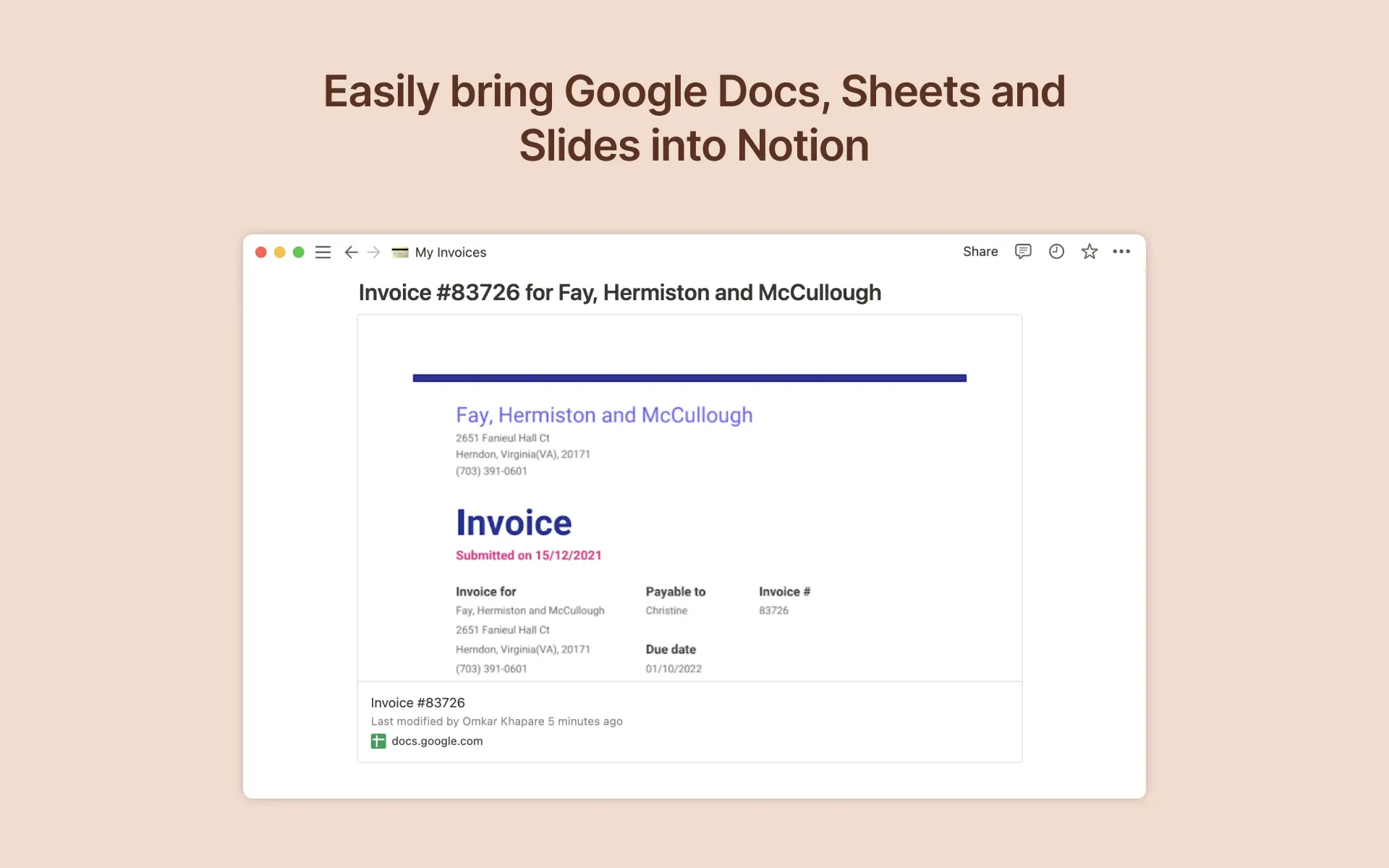
Google Drive helps you create and manage documents, spreadsheets, presentations, surveys and more. With the Google Drive integration in Notion, you can share your work easily and access your documents in one place.
Funciones
- Previsualiza enlacesCuando los enlaces de este producto se pegan en Notion, se muestran como vistas previas enriquecidas y en tiempo real.
Cómo se usa
To create a preview of a Google Drive file in Notion, paste any Google Drive link into Notion, then select
Paste as preview. You can also type/googlein any Notion page and a menu will appear, allowing you to paste links and browse your Google Drive files directly from Notion. If it’s your first time using Google Drive with Notion, you will be prompted to authorize the integration. Follow the prompts to complete the authorization process. Once authorized, you will see a detailed preview of the linked contentTo link Google Drive files to items in your Notion database, just add add a new property to your Notion database by using the
+button at the top right and selectingGoogle Drive File
Detalles
- Gestión de archivos